What is Scrolo and How to Use Scrolo.app
Creating high-quality Instagram carousel posts usually takes time, design skills, and multiple tools. Many creators struggle with splitting images, maintaining consistency, and designing visually appealing slides. This is where Scrolo simplifies the entire process.
What is Scrolo
Scrolo is an online platform designed for creators, influencers, and businesses to quickly create Instagram carousel posts using pre-designed templates. Instead of starting from scratch in complex design tools, Scrolo allows users to generate professional, panoramic, and engaging carousel posts in minutes.
The platform focuses on speed, simplicity, and visual quality. Whether you are creating storytelling carousels, educational posts, or aesthetic layouts, Scrolo provides ready-to-use templates that reduce effort and improve output.
Key Features of Scrolo
Scrolo offers several features that make it useful for modern content creators:
Pre-designed carousel templates for different niches
Panoramic post creation for seamless swipe experience
Easy image splitting for Instagram carousel format
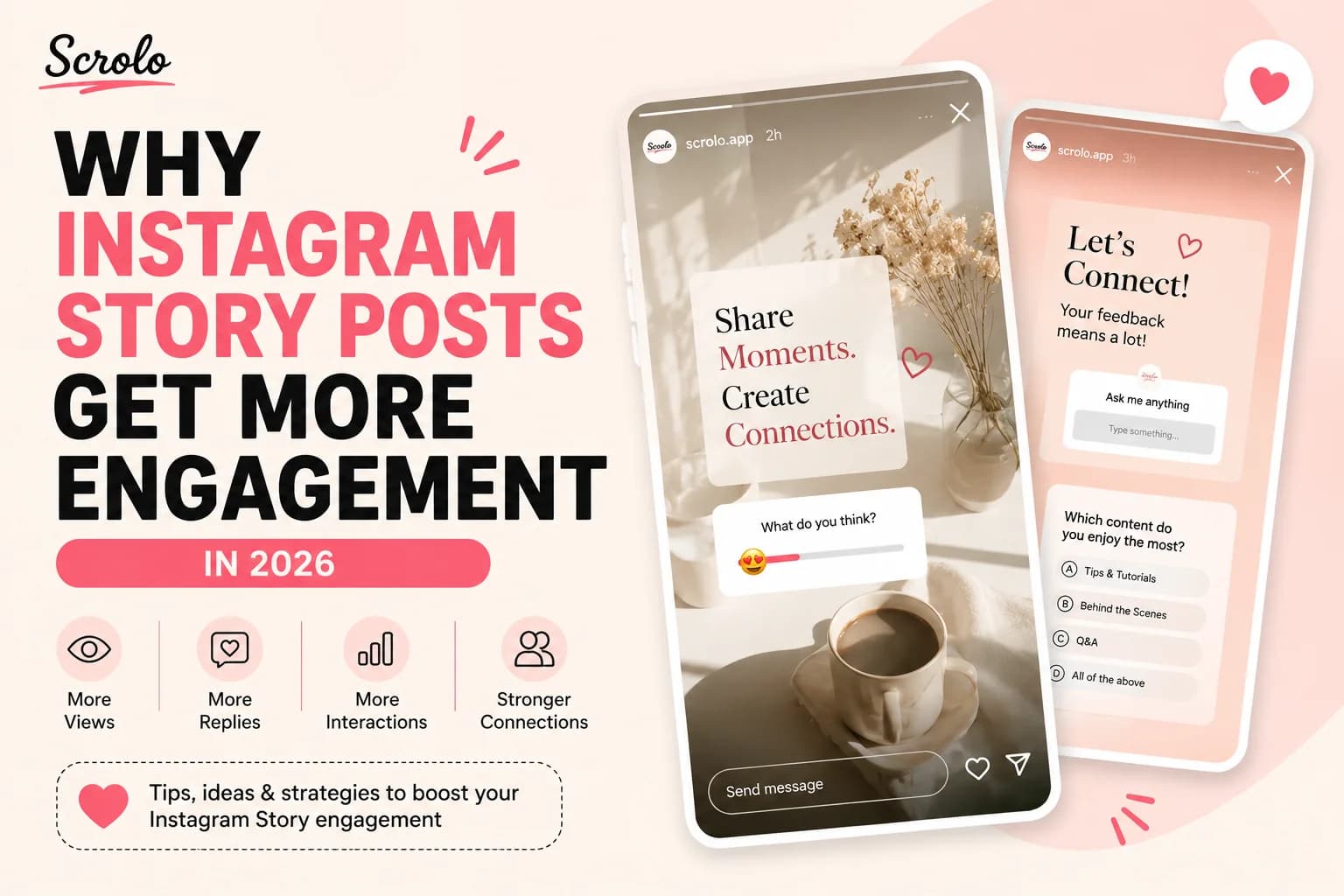
Story and post creation tools
Fast editing workflow without design experience
These features help users create content that looks professional without needing advanced design skills.
Why Use Scrolo for Instagram Carousels
Instagram carousels are one of the most effective content formats for engagement. They allow creators to tell stories, share information, and keep users swiping through multiple slides.
Scrolo helps you take advantage of this format by:
Saving time compared to traditional design tools
Providing ready-made layouts that are optimized for engagement
Making it easy to create consistent and visually appealing posts
Eliminating the need to manually resize and split images
For creators who want to grow faster on Instagram, using a tool like Scrolo can significantly improve content quality and consistency.
How to Use Scrolo
Using Scrolo is simple and does not require any design experience. Follow these steps to create your first Instagram carousel:
Step 1: Visit the Website
Go to Scrolo.app and open the platform in your browser.
Step 2: Choose a Template
Browse through the available carousel templates based on your niche or style. Select a template that matches your content idea.
Step 3: Customize Your Content
Edit text, images, and layout according to your needs. You can add your own photos, change colors, and adjust elements to match your brand.
Step 4: Create a Panoramic or Multi-Slide Design
If you want a seamless swipe effect, use the panoramic feature to design a continuous image across multiple slides.
Step 5: Export Your Carousel
Once your design is ready, export the slides in Instagram format.
Step 6: Upload to Instagram
Upload the images in order as a carousel post on Instagram.
Tips for Better Carousel Posts
To get the best results from your carousel posts, keep these tips in mind:
Start with a strong first slide to grab attention
Keep text clear and easy to read
Maintain visual consistency across slides
Use storytelling to keep users swiping
End with a call to action
Who Should Use Scrolo
Scrolo is ideal for:
Content creators and influencers
Small business owners
Social media managers
Digital marketers
Anyone looking to create better Instagram posts quickly
Conclusion
Scrolo is a powerful yet simple tool for creating Instagram carousel posts without the complexity of traditional design software. Using pre-designed templates and an easy workflow, it helps creators save time and produce high-quality content consistently.
If you want to create engaging and visually appealing carousel posts without starting from scratch, Scrolo.app is a practical solution worth trying.
Build it with Scrolo
Jump straight into the tool that matches your goal.