Instagram Carousel Post Size Guide 2026
Instagram carousel posts continue to dominate content creation in 2026.
From educational swipe posts to aesthetic photo dumps and seamless panoramic designs, carousels consistently generate higher engagement than single-image posts. But one small mistake can ruin an entire carousel:
using the wrong dimensions.
Blurry exports, cropped text, broken layouts, and inconsistent slides are still common problems for creators.
That’s why understanding the correct Instagram carousel size matters more than ever.
In this guide, we’ll break down the exact Instagram carousel dimensions for 2026, explain which format performs best, and share practical tips creators should know before publishing their next post.
Best Instagram Carousel Size in 2026
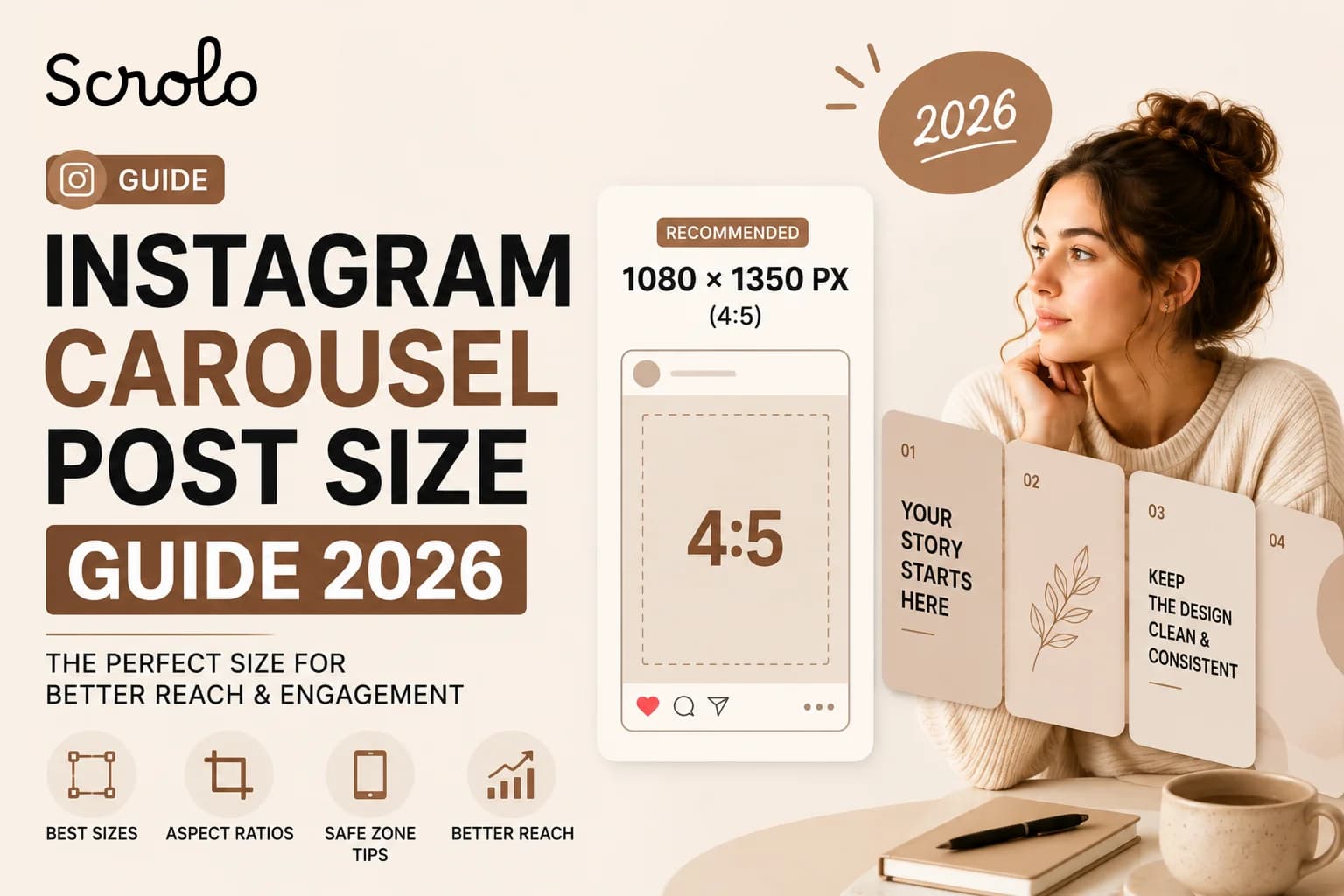
The recommended Instagram carousel size in 2026 is:
1080 × 1350 pixels
Aspect Ratio: 4:5
This portrait format takes up more vertical space in the Instagram feed, making posts more noticeable while users scroll. Multiple recent Instagram sizing guides continue recommending 1080 × 1350 as the best carousel format for engagement.
Why 4:5 Carousels Perform Better
Portrait carousels occupy more screen space than square posts.
That means:
users notice them faster
posts feel more immersive
swipe engagement improves
storytelling becomes easier
Most creators now prefer vertical carousels because they naturally feel more optimized for mobile viewing.
Instagram Carousel Sizes Supported in 2026
Instagram currently supports multiple carousel formats.
Format Size Aspect Ratio
Portrait 1080 × 1350 px 4:5
Square 1080 × 1080 px 1:1
Landscape 1080 × 566 px 1.91:1
However, portrait posts remain the most recommended option for creators in 2026.
Important Rule Most Creators Forget
Instagram applies the aspect ratio of the first slide to the entire carousel.
That means:
if the first slide is square, all slides become square
if the first slide is portrait, all slides follow portrait format
This is one of the biggest reasons carousel posts break during upload.
Why Carousel Posts Sometimes Look Cropped
Many creators export slides correctly but still experience cropping issues after uploading.
This usually happens because:
Slides are not of identical dimensions
images contain padding
export sizes are inconsistent
The first slide uses a different ratio
Some creators on Reddit also noticed Instagram experimenting with newer grid previews and slightly taller thumbnail behaviour during 2026.
Safe Zone Tips for Carousel Design
One of the biggest mistakes creators make is placing important text too close to the edges.
Instagram profile grids sometimes crop previews differently than the feed view.
To avoid this:
keep text centred
avoid edge placements
leave spacing around headlines
keep logos away from borders
This helps your carousel look clean in both:
feed view
profile grid preview
Best Size for Seamless Carousel Posts
If you are creating seamless panoramic carousel posts, consistency becomes even more important.
For seamless carousels:
every slide must match perfectly
dimensions must stay identical
spacing alignment matters
export quality matters
Most creators still use multiple apps for this process, which often creates resizing issues.
That’s one reason we built Scrolo Instagram Carousel Maker — to simplify seamless carousel creation without complicated workflows.
Square vs Portrait Carousels
Square Carousels (1:1)
Best for:
clean grids
minimalist layouts
simple photo dumps
But square posts take up less screen space.
Portrait Carousels (4:5)
Best for:
storytelling
educational content
creator branding
seamless swipe posts
engagement-focused posts
This is why most modern creators prefer portrait layouts.
Can You Use 9:16 Carousel Posts?
Instagram has recently tested taller carousel formats and some creators reported successful 9:16 uploads in certain cases.
However, standard 4:5 portrait carousels are still the safest and most consistent option for most creators in 2026.
Best Export Settings for Instagram Carousels
For best quality:
export in JPG or PNG
use sRGB color profile
keep width at 1080 px
avoid unnecessary compression
Instagram already compresses uploads automatically, so exporting at correct dimensions helps preserve quality.
Why Modern Creators Use Carousel Templates
Creating carousel posts from scratch every time is exhausting.
Templates help creators:
stay consistent
publish faster
maintain branding
improve aesthetics
reduce design time
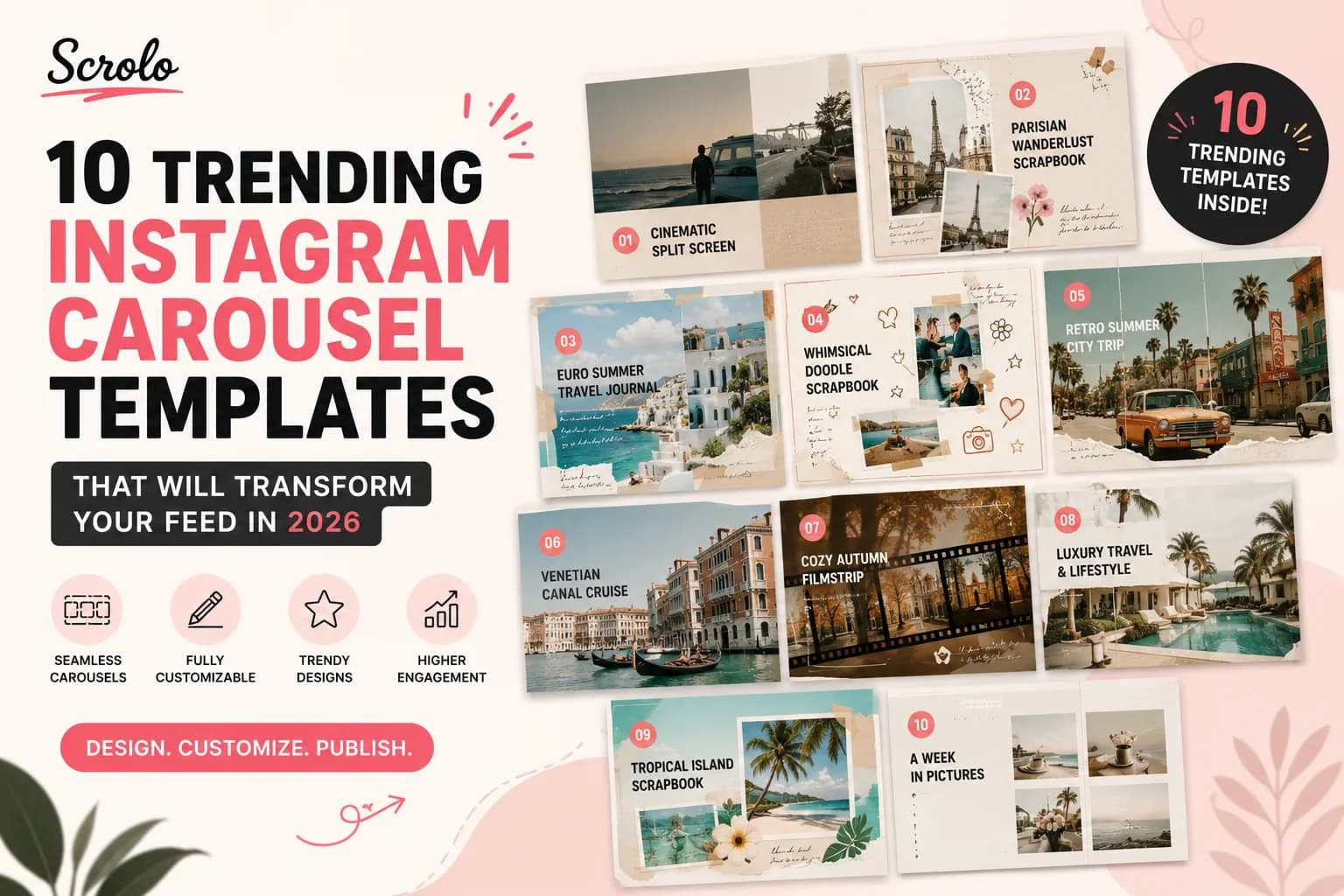
This is why many creators now use platforms like Scrolo to create aesthetic Instagram carousel posts more efficiently.
Common Instagram Carousel Mistakes
Here are the most common mistakes creators still make:
mixing different aspect ratios
using low-resolution exports
placing text too close to edges
uploading slides in wrong order
inconsistent spacing
exporting blurry images
Most of these problems can be avoided with proper carousel dimensions and workflow tools.
Final Thoughts
Instagram carousel posts continue to be one of the strongest content formats in 2026, but correct sizing is essential for professional-looking results.
For most creators, the best Instagram carousel size remains:
1080 × 1350 px (4:5)
This format provides:
stronger feed presence
better engagement
improved storytelling
cleaner mobile viewing experience
And as carousel content continues evolving, creators are moving toward faster and more visual workflows instead of traditional manual editing methods.
That’s exactly why platforms like Scrolo are focusing on making Instagram carousel creation simpler, cleaner, and more creator-friendly.
Build it with Scrolo
Jump straight into the tool that matches your goal.