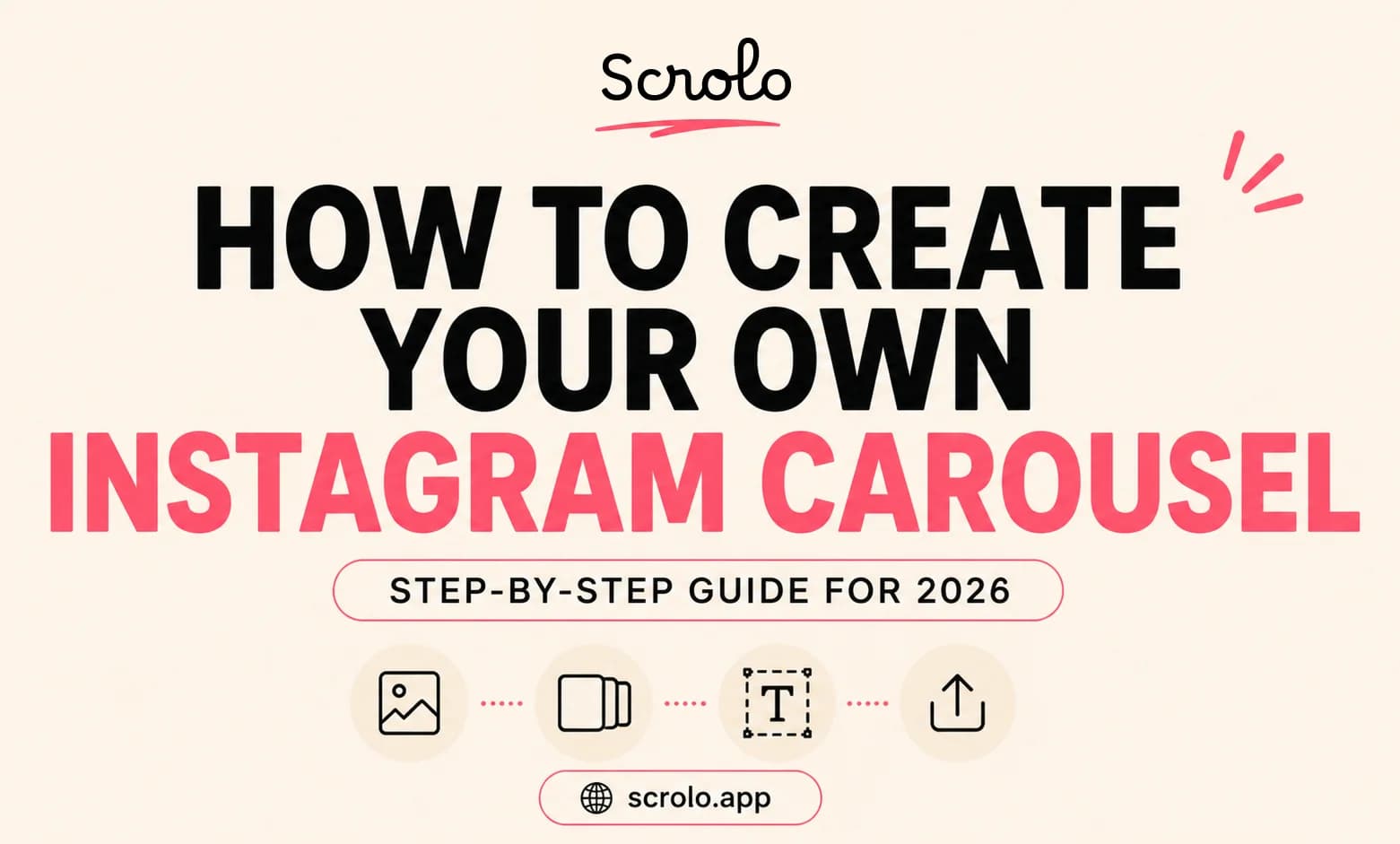
How to Create Your Own Instagram Carousel in 2026
Instagram carousel posts have become one of the most effective ways to share content online. Whether you're a creator, influencer, business owner, or personal brand, carousels allow you to tell stories, showcase multiple photos, and keep people engaged for longer.
But many users still ask the same question:
How do I create my own Instagram carousel?
The good news is that creating a professional-looking carousel is easier than ever in 2026. In this guide, we'll walk through the process step by step and share tips to make your carousel stand out.
What Is an Instagram Carousel?
An Instagram carousel is a post that contains multiple slides users can swipe through.
Carousels can be used for:
Travel photos
Educational content
Storytelling
Product showcases
Before-and-after comparisons
Photo dumps
Brand promotions
Instagram currently allows users to upload multiple images or videos in a single carousel post.
Because users spend more time interacting with carousel posts, they often receive higher engagement than single-image posts.
Why Creators Love Carousel Posts
Carousels offer several advantages:
More space to tell a story
Better engagement opportunities
Increased saves and shares
More content in a single post
Stronger visual storytelling
Many creators now use carousels as their primary content format because they can communicate more information while keeping followers engaged.
Step 1: Decide Your Carousel Goal
Before designing anything, decide what you want your carousel to achieve.
Popular carousel formats include:
Educational Carousels
Teach a process, strategy, or concept.
Storytelling Carousels
Share an experience, journey, or personal story.
Travel Carousels
Highlight memorable moments from a trip.
Photo Dumps
Combine multiple photos into a visually appealing post.
Product Showcases
Display features, benefits, or customer results.
Having a clear goal helps create a more cohesive carousel.
Step 2: Choose Your Images
Strong visuals are essential.
Select images that:
Match your theme
Maintain consistent quality
Support the story you're telling
Look good together
For aesthetic carousel posts, try to maintain a consistent color palette throughout all slides.
Step 3: Select a Carousel Layout
The layout determines how your carousel feels.
Popular options include:
Grid layouts
Polaroid-style designs
Collage layouts
Minimalist designs
Seamless panoramic carousels
A well-designed layout helps guide viewers through the post naturally.
Step 4: Add Text Carefully
Many creators overload slides with too much text.
Instead:
Keep headlines short
Use readable fonts
Focus on one idea per slide
Leave enough spacing
Good typography improves readability and overall design quality.
Step 5: Create a Seamless Swipe Experience
One trend that continues growing in 2026 is the seamless carousel.
A seamless carousel creates the illusion of one continuous design across multiple slides.
Benefits include:
Better visual flow
Higher swipe rates
More professional appearance
Stronger storytelling
Many creators use seamless designs because they encourage users to continue swiping.
Step 6: Use an Instagram Carousel Maker
Creating carousels from scratch can take time.
Instead of manually building every slide, many creators now use dedicated tools like the Instagram Carousel Maker from Scrolo.
With the Scrolo Instagram Carousel Maker, creators can:
Start with aesthetic templates
Customize layouts
Add photos
Create seamless carousels
Edit directly in the browser
Export ready-to-post slides
This makes the creation process significantly faster compared to traditional workflows.
Step 7: Export at the Correct Size
For best results in 2026, use:
1080 × 1350 pixels (4:5 ratio)
This format takes up more screen space in the Instagram feed and generally performs better than square posts.
Make sure all slides use the same dimensions before exporting.
Step 8: Upload in the Correct Order
When publishing:
Double-check slide order
Review spacing
Verify text alignment
Test the swipe flow
A small mistake can affect the overall viewing experience.
Common Carousel Mistakes
Avoid these common issues:
Too much text
Inconsistent image sizes
Poor quality photos
Weak first slide
Cluttered layouts
Difficult-to-read fonts
Simple and clean designs usually perform better.
Tips for Higher Engagement
To improve carousel performance:
Use a strong first slide
Tell a story across slides
Keep visuals consistent
End with a call to action
Encourage users to swipe
The goal is to keep viewers engaged from the first slide to the last.
Final Thoughts
Creating your own Instagram carousel doesn't have to be complicated.
With the right images, layout, and design approach, anyone can create professional-looking carousel posts that attract attention and encourage engagement.
Whether you're building a travel photo dump, an educational swipe post, or an aesthetic content series, carousel posts remain one of the most powerful content formats on Instagram.
And with tools like Scrolo, creators can build beautiful carousel posts faster without starting from scratch every time.
Build it with Scrolo
Jump straight into the tool that matches your goal.